Welcome to the exciting world of robotics adventures. Here, you’ll find all the necessary guides to projects designed to complement the Robotrek Series, making theory come to life.
But the exploration doesn’t stop there! Dive into our expanding collection of programmable car along with the additional projects and challenges that allow you to grow your robotics skills and innovate further. Get ready to build, code, and discover your next great idea!
ARDUINO DRIVER UPDATE TIP
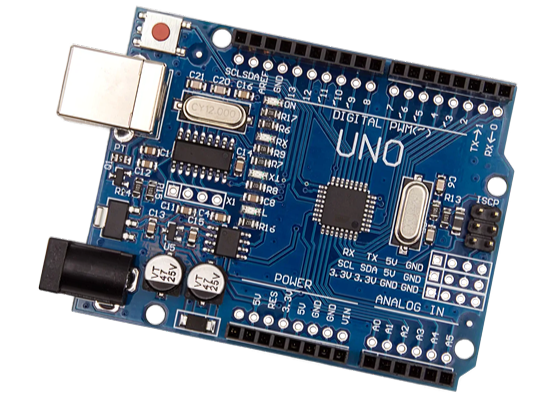
Dear Learners, If you are working on Arduino projects and your code is not uploading, kindly ensure that the USB driver is updated. Most of the Arduino boards in our Robo Pitara Kit support the FT232RL driver, so an incorrect/old driver may stop the code from uploading.
How to Update the Driver?
Connect the Arduino to your laptop via USB.
Open Device Manager or Press Windows + X → Device Manager
Look for Ports (COM & LPT) or Other Devices
You will see something like USB-Serial, FT232, or CH340
Right-click on the device → Update Driver
Select Search automatically for drivers or If needed, you can also manually select driver files available on your system.
Once updated, reconnect the board and try uploading the code again.
After updating to FT232RL, the upload usually works instantly.
Robotrek: Ignite
Ready to build? Find everything you need right here, including comprehensive DIY video tutorials, ready-to-use running codes, and precise circuit diagrams designed to accompany your books.
Ready to build? Find everything you need right here, including comprehensive DIY video tutorials, ready-to-use running codes, and precise circuit diagrams designed to accompany your books.
Ready to build? Find everything you need right here, including comprehensive DIY video tutorials, ready-to-use running codes, and precise circuit diagrams designed to accompany your books.
Ready to build? Find everything you need right here, including comprehensive DIY video tutorials, ready-to-use running codes, and precise circuit diagrams designed to accompany your books.